
Generic Import - XLS
by Kitworks Systems| Odoo Apps Dependencies | base, bus, http_routing, web |
| Community Apps Dependencies | Show |
| Technical Name | kw_generic_import_xls |
| License | OPL-1 |
| Website | https://kitworks.systems/ |
| Versions | 16.0 17.0 18.0 19.0 |
What this module does
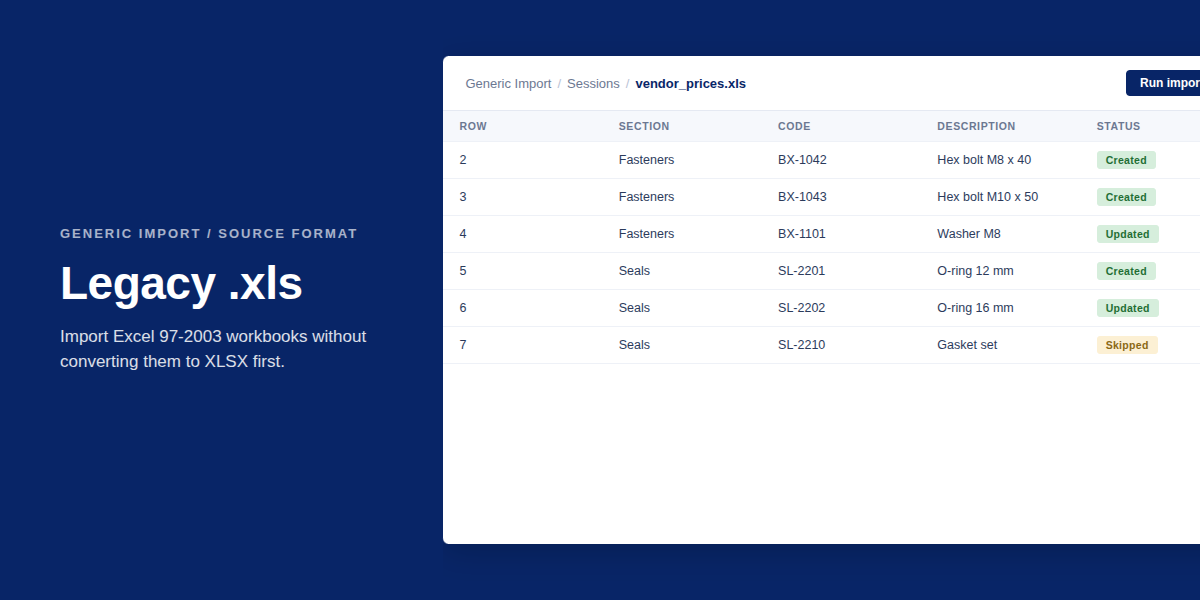
The import engine already reads CSV, XLSX, XML, JSON and ZIP archives of images. This add-on covers the one format it leaves out: the old binary .xls that Excel wrote before 2007 and that older accounting and warehouse systems still export. Install it if such files reach you, leave it out if they do not.
One more source format
The module registers XLS (legacy Excel) as a source format and ships nothing else: one data record, no new business models, no extra menus. Mapping, converters, match strategy and error policy stay in the engine.
Headers behave like XLSX
Multi-row headers are joined and duplicate column names rejected by the same header logic that handles .xlsx, so an .xls workbook and its .xlsx twin map identically. In-sheet section rows are recognised here as well.
Pick the worksheet you need
Point the template at a worksheet by name or by position and skip the rows above the header. Empty rows drop out of the data. When the sheet name is wrong, the error lists the sheets the file actually contains.
One Python library to install
The parser runs on xlrd, pinned below version 2.0 in requirements.txt. Install that package on the server and XLS appears in the source format list of the template form.
See it in action
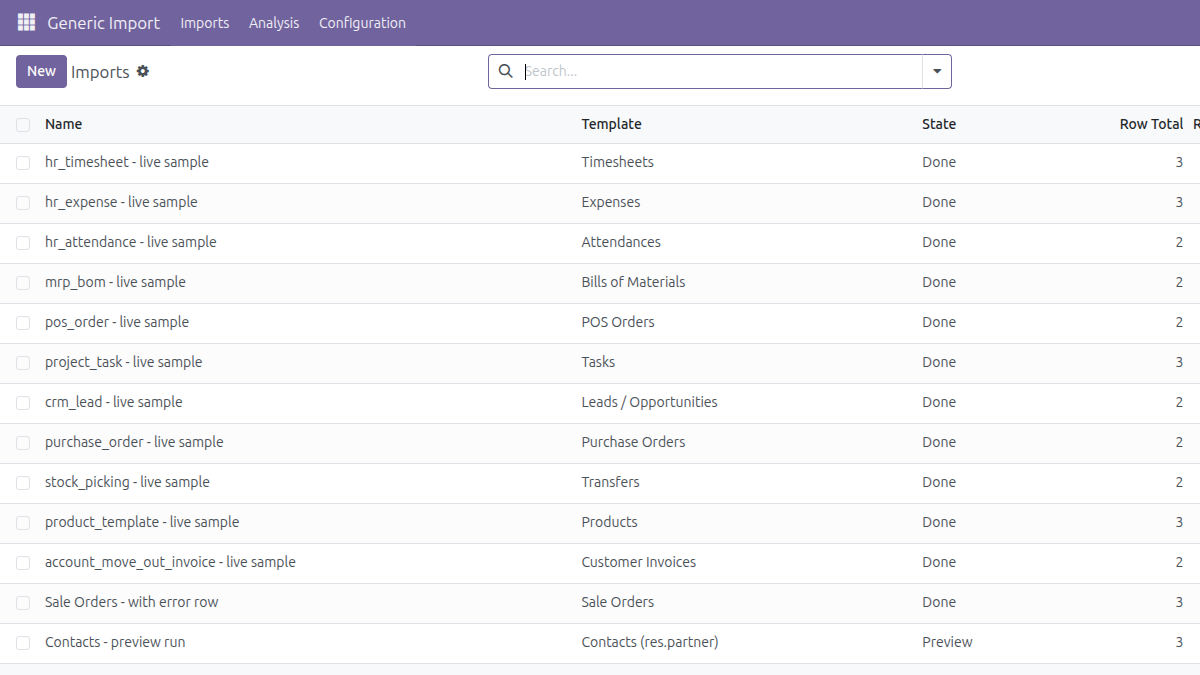
A session parsed from an .xls workbook, ready for preview.
Needs the Generic Import engine
This add-on registers a file format and nothing more. Templates, column mapping, converters, match strategies and error handling live in Generic Import, which has to be installed first.
Universal Data Import — 99 EURNeed help?
Questions, customisation or paid support — we’ll get back the same business day.