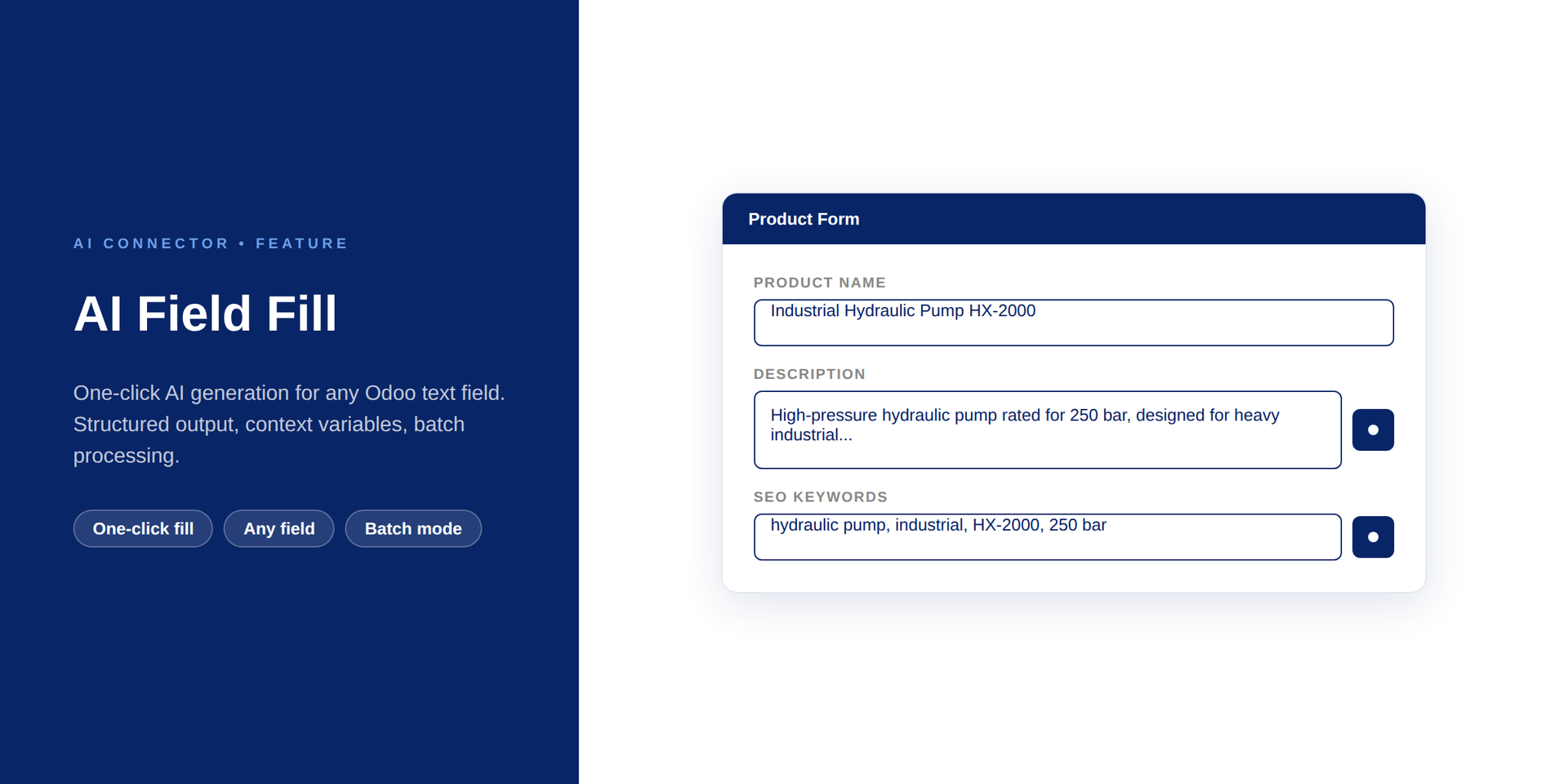

AI Field Fill
by Kitworks Systems
600,00 €
| Odoo Apps Dependencies | base, base_automation, bus, http_routing, mail |
| Community Apps Dependencies | Show |
| Technical Name | kw_ai_field |
| License | OPL-1 |
| Website | https://kitworks.systems/ |
| Versions | 17.0 18.0 19.0 |
AI Connector — Feature
AI Fields
Auto-fill any Odoo field with AI — structured output guaranteed, one click per field.
Field types
Char, Text, HTML…
Output
Structured JSON
No code
Config-only
Key Features
- Field-Level AI Prompts. Configure an AI prompt for any Char, Text, Html, Many2one, or Selection field on any Odoo model.
- One-Click Fill Button. A “Fill with AI” button appears next to configured fields — users click once and the field is populated.
- Structured Output Guaranteed. Uses JSON Schema validation to ensure the AI returns the correct data type and format for the target field.
- Context Variables. Prompts can reference other field values on the same record — e.g., use
product.namein a description prompt. - Batch Processing. Fill multiple records at once via server actions or scheduled jobs — suitable for bulk content generation.
How It Works
1
Configure Prompt
Select the model field, write the AI prompt, choose the LLM model
2
Open Any Record
A “Fill with AI” button appears next to each configured field automatically
3
Field Filled
Click — the AI generates the content and fills the field immediately
Requirements
- ✓ kw_ai (AI Connector Core)
- ✓ At least one Provider module
- ✓ Odoo 18.0
- ✓ OPL-1 license
Get Started
Book a demo — we will configure AI Fields on your models and show the output quality live.
Book a DemoPart of Ultimate AI Connector Suite · OPL-1 · Odoo 18.0