
AI Usage Analytics
by Kitworks Systems
450,00 €
| Odoo Apps Dependencies | base, base_automation, bus, http_routing, mail |
| Community Apps Dependencies | Show |
| Technical Name | kw_ai_usage |
| License | OPL-1 |
| Website | https://kitworks.systems/ |
| Versions | 17.0 18.0 19.0 |
AI Connector — Feature
AI Usage Tracking
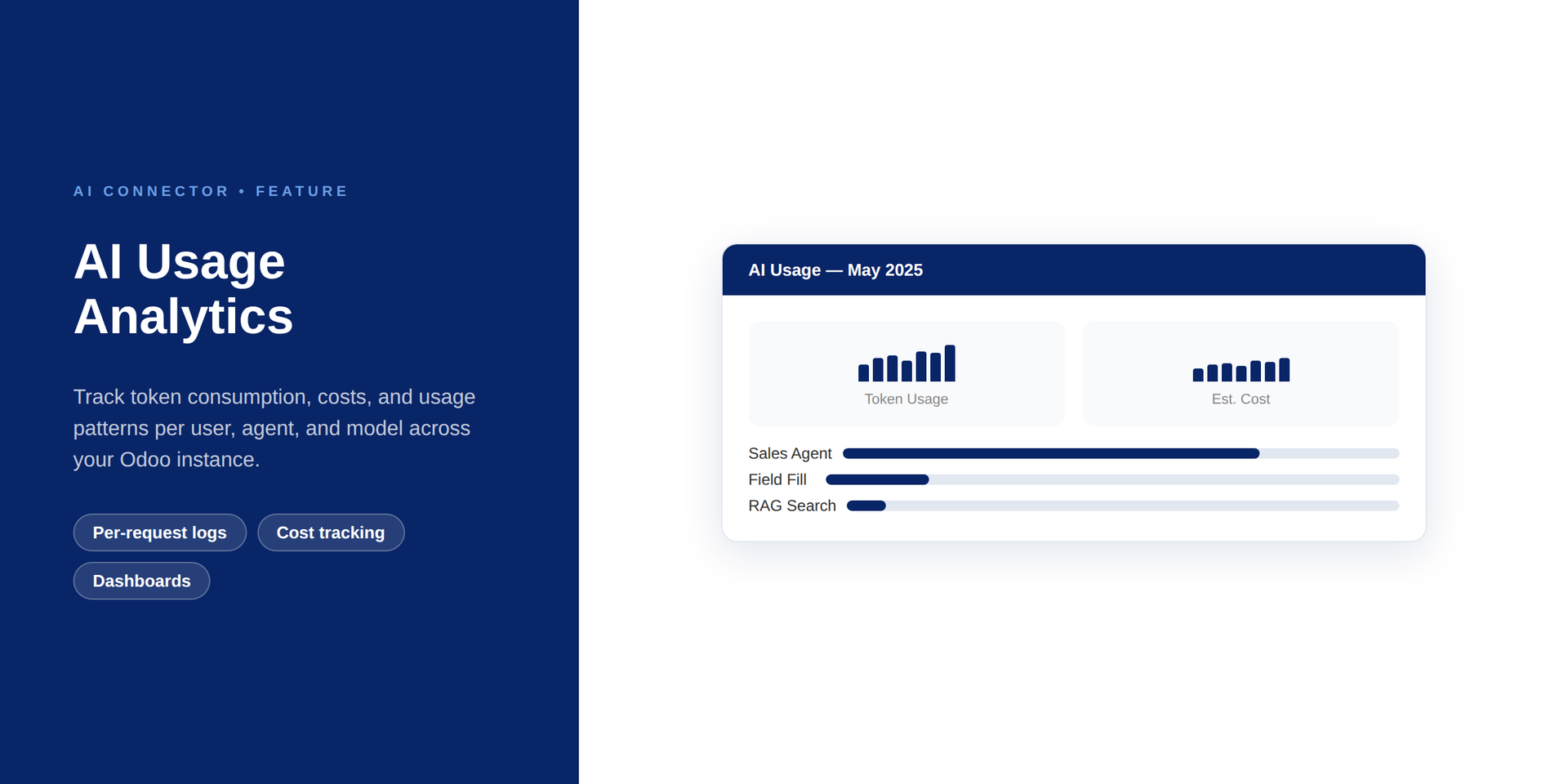
Track every AI token — costs, models, users, and trends at a glance across all providers.
Logging
Per-request
Costs
Auto-calculated
Breakdown
Per-model / per-user
Key Features
- Per-Request Token Logging. Every AI request logs input tokens, output tokens, model used, and response time automatically — no instrumentation needed.
- Cost Calculation. Automatically computes cost per request based on provider rate tables — see actual spend in EUR or USD.
- Usage Dashboards. View consumption trends by date range, model, agent, and user — built-in Odoo reporting views.
- Per-User and Per-Agent Breakdown. Identify which agents or users consume the most tokens — useful for cost allocation and audits.
- Export Reports. Download usage data as CSV for billing, chargebacks, or compliance audits.
How It Works
1
Install Module
Usage tracking activates for all AI requests automatically after installation
2
Requests Logged
Every AI call logs model, tokens, cost, user, and agent automatically
3
View Dashboard
Open AI → Reporting to see usage trends, costs, and per-model breakdowns
Requirements
- ✓ kw_ai (AI Connector Core)
- ✓ Odoo 18.0
- ✓ OPL-1 license
Get Started
Book a demo — we will show AI cost dashboards on your usage data during the session.
Book a DemoPart of Ultimate AI Connector Suite · OPL-1 · Odoo 18.0